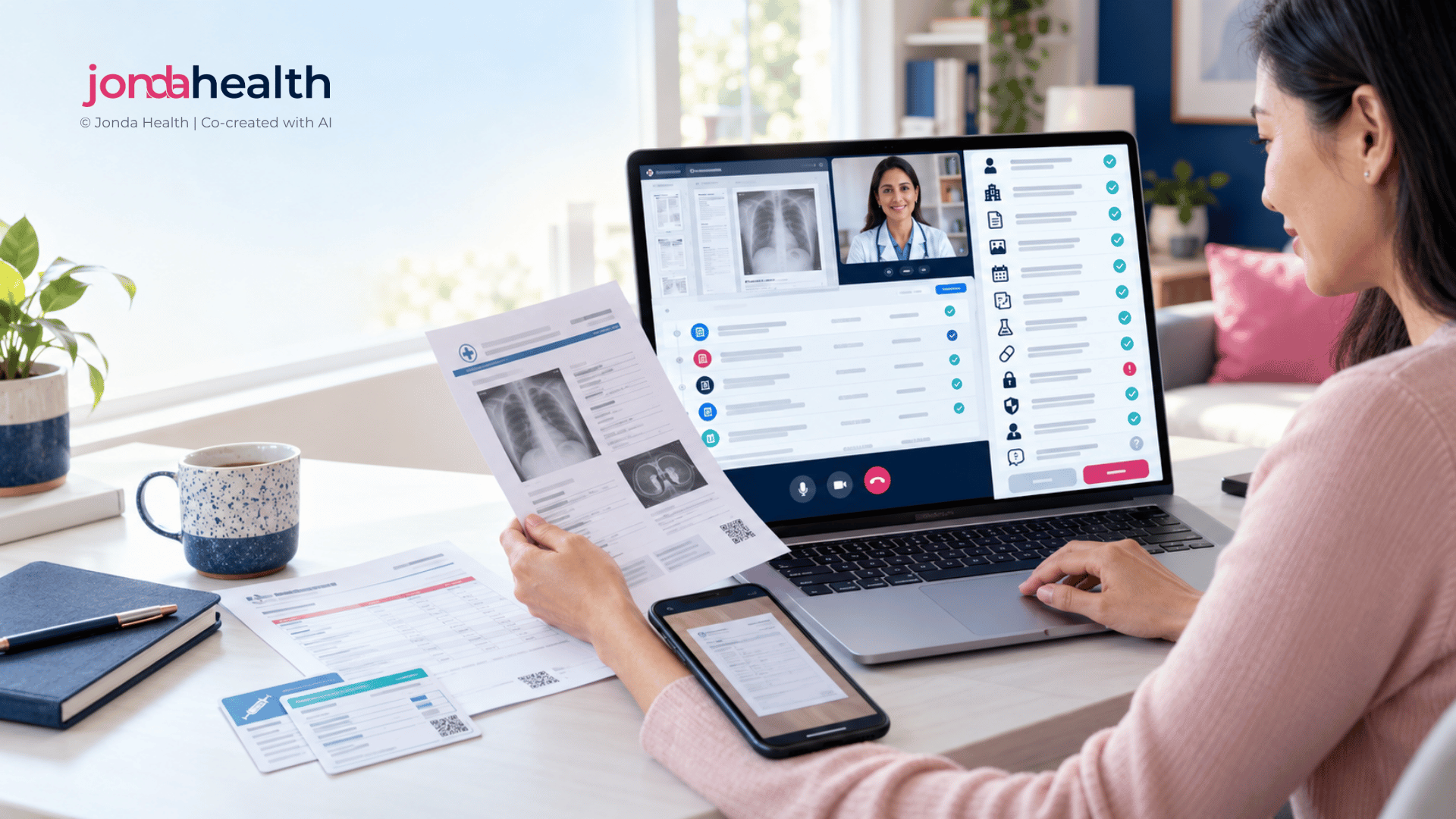
12 Things to Get Right When Patients Upload Their Own Records into a Teleconsult
Patients arrive at a video consult with photos of lab reports, scanned discharge summaries and screenshots of prescriptions from three different countries. This vendor-neutral guide covers what telehealth teams need to get right so those uploads help the clinician rather than slow them down.
Suhina Singh
Founder & CEO, Jonda Health
September 30, 2026
·
10 min. read
Inviting patients to upload their own records is one of the most useful things a telehealth service can do. It gives the clinician context before the call starts, it saves the patient from reading numbers aloud over a patchy connection, and it builds a longer view of the patient's health than a single consult ever could. It also creates a new kind of work. The documents arrive in every format, language and unit imaginable, and somebody has to turn them into something a clinician can trust within the few minutes they have before the consult begins.
We see this problem from the data side every day, across laboratory reports, imaging reports, medication lists, clinical notes and discharge summaries. The twelve points below are the ones that most often decide whether patient uploads become a genuine clinical asset or a pile of attachments nobody has time to open.
The twelve points at a glance
01Ask for the right documents
02Accept the formats patients actually have
03Coach the photo at the moment of capture
04Handle many languages without losing meaning
05Normalise units, not only values
06Keep each lab's reference ranges attached
07Get the dates right
08Confirm the record belongs to this patient
09Give clinicians a summary with a path to the source
10Plan honestly for clinician review time
11Treat uploads as health data from the first byte
12Make the data outlast the consult
The journey from a patient's phone to a record a clinician can rely on.
01Ask for the right documents, not every document
An open "upload your records" button invites patients to send everything they own, including receipts, appointment cards and five-year-old reports that have no bearing on today’s question. A guided request works far better. Tell the patient what the clinician needs for this consult type: for a diabetes review, the most recent blood results and current medication list; for a post-discharge follow-up, the discharge summary and any new prescriptions. Patients are usually relieved to be told what matters, because they often cannot tell for themselves.
Tip: Tie the upload prompt to the booking reason, and give patients a short "if you have it" list rather than a single catch-all request.
02Accept the formats patients actually have
Real uploads include phone photos of paper reports, PDFs sent by laboratories, screenshots from hospital portals, images forwarded through messaging apps, multi-page scans saved as a single file and, occasionally, a photo of a computer screen. If your flow only accepts clean PDFs, patients will either give up or find a workaround that is worse. Design the intake for the messy reality, then handle quality downstream.
Pitfall: Images forwarded through messaging apps are often compressed, which can make small print such as units and reference ranges unreadable. Where possible, let patients upload the original file from their gallery.
03Coach the photo at the moment of capture
Most unreadable uploads fail for predictable reasons: blur, glare from overhead lights, a folded page, a cropped column or a shadow across the results table. Text recognition tools generally perform best on sharp, evenly lit, high-resolution images, and their own guidance recommends high input resolution for reliable results.1 A few seconds of on-screen coaching at capture (lay the page flat, fill the frame, avoid flash, include every page) prevents most of these problems. Checking for blur and missing edges before the patient presses submit is even better, because asking for a retake after the consult has started is awkward for everyone.
Close the loop with the patient too. A short confirmation of what was received, and a clear request if a page could not be read, builds trust and saves the first five minutes of the call.
04Handle many languages without losing meaning
Patients who travel, relocate or seek care across borders bring reports in Thai, Vietnamese, Bahasa, Chinese, Japanese, Portuguese, French and many other languages, sometimes with more than one language on the same page. Translating the words is only part of the job. A test name often has a local abbreviation, a lab-specific label or a brand name that needs to be resolved to the same clinical concept the clinician expects to see. The same applies to medication names, which differ between countries even for the same active ingredient.
Tip: Always keep the original alongside the translation, so the clinician can check the source when something looks unexpected.
05Normalise units, not only values
The same result can be reported in very different numbers depending on where the test was done. A clinician who sees "7.0" and "126" side by side may not realise they describe the same fasting glucose. Mixed units are one of the most common sources of confusion in uploaded records, and one of the most important to get right, because they sit directly under clinical decisions.
Test
Reported one way
Reported another way
Why it matters
Fasting plasma glucose
7.0 mmol/L
126 mg/dL
Both sit at the diagnostic threshold for diabetes2
HbA1c (glycated haemoglobin)
6.5%
48 mmol/mol
Two standardisation schemes, linked by a published master equation3
Serum creatinine
1.0 mg/dL
88.4 µmol/L
Feeds kidney function estimates and many dosing decisions4
A good approach converts to the unit your clinicians work in, shows the original value next to it, and never silently rounds in a way that moves a result across a threshold.
06Keep each laboratory’s reference ranges attached
Reference intervals vary between laboratories because they depend on the method, the analyser and the population the laboratory serves.5 A result flagged as high by one laboratory may sit inside the normal range of another. If your system strips out the printed range and applies a single generic one, it can create false alarms or hide real ones. Capture the range and any abnormal flag exactly as the laboratory reported them, and let the clinician see both.
07Get the dates right
Dates cause more errors than most teams expect. "03/04/2026" means 3 April in much of the world and 4 March in the United States. Reports often carry several dates (collection, receipt, authorisation and printing), and the one that matters clinically is usually the collection date. Some regions also use other calendars: Thai reports frequently show the Buddhist Era year, which runs 543 years ahead, so a sample taken in 2026 may be printed as 2569. A trend chart built on the wrong date can make an old result look current.
Pitfall: When the day and month are both twelve or under and the format is not stated, the date is genuinely ambiguous. Flag it for review rather than guessing.
08Confirm the record belongs to this patient
Parents upload their child’s reports, carers upload a relative’s, and family members sometimes share a phone. Before any document enters the record, check the name and date of birth on the report against the patient profile, and hold anything that does not match for confirmation. Watch for duplicates as well: the same report uploaded twice as a photo and a PDF should not appear as two separate results.
09Give clinicians a summary with a path back to the source
A clinician with ten minutes before a consult does not need twenty images. They need a short view of what is new, what is abnormal and what has changed over time, with each value linked back to the page it came from. This is what turns an upload from a filing task into genuine pre-consult context. The link back matters just as much as the summary, because clinicians are accountable for what they act on and need to be able to verify it quickly.
Illustrative example. Every line in the summary links back to the original page.
10Plan honestly for clinician review time
Somebody has to check what automated extraction produces, and if that is not planned, the burden quietly lands on the consulting clinician. The practical question is where review happens and who does it. Processing uploads before the consult, sending only uncertain values for review by clinically trained staff, and presenting the clinician with results that are already checked keeps consult time for the patient. In a hospital we support, where nurses photograph external laboratory reports into the electronic health record, this approach saves around 20 to 30 minutes per report compared with manual entry.
Tip: Measure review time per document from the start. It is the number that tells you whether patient uploads are saving clinical time or consuming it.
11Treat uploads as health data from the first byte
A photo of a lab report is health data, and most privacy laws give health data special protection. The EU General Data Protection Regulation treats it as a special category that needs an explicit legal basis for processing,6 Singapore’s data protection regulator has issued sector guidance for healthcare,7 and telemedicine guidelines such as Singapore’s set expectations for how remote consultations handle records.8 In practice, this means clear consent that states why the documents are collected, storage and retention rules that match your jurisdiction, and a decision on where the data is processed. For many buyers the most important question is whether processing can stay in country.
Two details are easy to miss. Phone photos can carry embedded metadata, including location, which should be stripped on upload. And documents often contain other people’s information (a family member on a shared insurance card, for example), which your team should not be storing without a reason.
12Make the data outlast the consult
If uploaded results only ever live as attachments, the same work is repeated at every visit. Structured, standardised data is what allows a service to show trends, support chronic care programmes, run quality measures and, with the right permissions, feed research or AI tools later. Decide early whether uploads should flow into your electronic health record or clinic management system as structured results, and map them to the medical coding standards and internal code sets your systems already use.
How Jonda Health can help
Everything above can be built in-house, and some teams do. Most find that the hard part is not reading the text, it is the long tail of languages, units, layouts and edge cases, plus the clinical review that makes the output safe to use. That is the work we do every day.
JondaX
Make patient uploads usable
One API for photos, PDFs, scans and screenshots, in 10+ languages.
Cleans, resolves variant test names, normalises units and dates, and maps to medical coding standards or your own code set.
Human-in-the-loop review by clinically trained reviewers, with 99% field-level accuracy after expert review.
ISO 27001 certified, designed to comply with HIPAA, GDPR and PDPA, and deployable in country.
Jonda Health Services
Design the flow around it
Patient upload journeys that get better documents at capture.
Privacy and data-flow design: where the data goes, what to pseudonymise and how to meet local rules.
Clinician review workflows and summary views that fit consult time.
Integration planning into your electronic health record or clinic management system.
Try it on your own documents. Send us a sample of real patient uploads (up to 20 pages) and we will run them through JondaX free of charge, so you can see the structured output next to the originals. If you would rather talk it through first, book a free 30-minute data readiness conversation.
Tesseract OCR documentation. Improving the quality of the output (image resolution and pre-processing guidance). tesseract-ocr.github.io/tessdoc/ImproveQuality.html
American Diabetes Association Professional Practice Committee. Diagnosis and Classification of Diabetes. Standards of Care in Diabetes, Section 2. Diabetes Care (published annually).
Hoelzel W, Weykamp C, Jeppsson JO, et al. IFCC reference system for measurement of hemoglobin A1c in human blood and the national standardization schemes in the United States, Japan, and Sweden: a method-comparison study. Clinical Chemistry. 2004;50(1):166-174.
AMA Manual of Style, 11th edition. Units of Measure: conventional to SI unit conversion.
Clinical and Laboratory Standards Institute. EP28-A3c: Defining, Establishing, and Verifying Reference Intervals in the Clinical Laboratory. 2010.
Regulation (EU) 2016/679 (General Data Protection Regulation), Article 9: Processing of special categories of personal data.
Personal Data Protection Commission Singapore. Advisory Guidelines for the Healthcare Sector (issued under the Personal Data Protection Act 2012).
Ministry of Health Singapore. National Telemedicine Guidelines. 2015.
This guide is written for telehealth teams designing patient upload flows. It is not clinical advice for individuals.